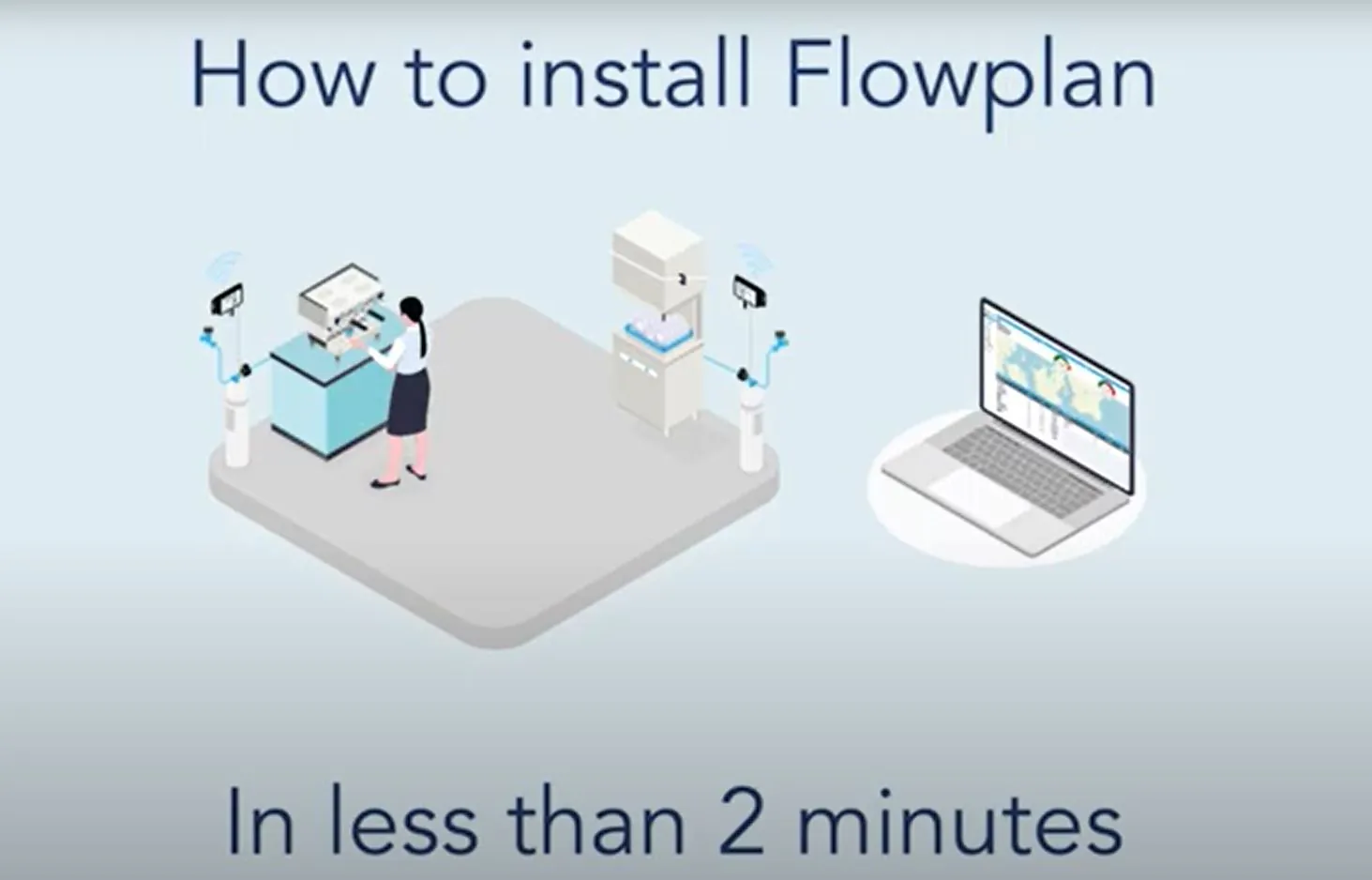
Die Installation dauert wenige Minuten und benötigt weder WLAN noch Strom oder neue Verkabelung. Sehen Sie sich das Video an oder folgen Sie den vier Schritten unten.
Schritt 1: Durchflussmesser montieren
Montieren Sie den Durchflussmesser am Auslass des Filterkopfs. Er kommt mit Standardgewinde in 3/8" oder 3/4", das direkt auf die meisten Wasserfilter passt.
Schritt 2: Beam und Durchflussmesser verbinden
Stecken Sie den Durchflussmesser an die Beam-Box an. Damit wird die Box automatisch mit Strom versorgt und der Netzwerkaufbau gestartet. Das Gerät läuft über ein eigenes Netzwerk mit eingebauter Batterie.
Schritt 3: Verbinden lassen
Wenn der hohe Piepton aufhört, verbindet sich das Gerät automatisch mit dem Netzwerk. Vier kurze Pieptöne bestätigen, dass die Verbindung steht und alles funktioniert.
Schritt 4: Fertig
Das Gerät ist jetzt verbunden und in Betrieb. Wasserverbrauchsdaten werden automatisch gesendet und im Backoffice verarbeitet.