Beam reads what you already have.
Room temperature is built in. For the temperature of the water, or volume, Beam reads a sensor at that point, ours or the one already fitted. Five years on one battery, and one install.
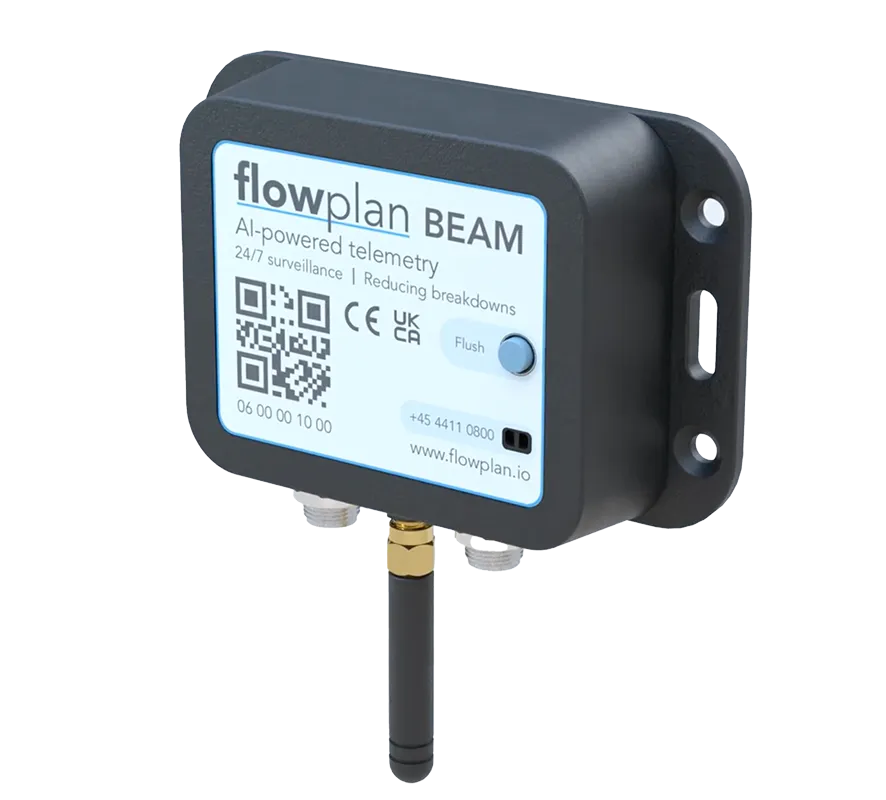
Any sensor, any brand
Temperature probes, flow meters, whatever is already on the machine. Beam reads it.
Room temperature out of the box
Add a sensor when you need a reading from the line rather than the room.
Up to five years on one battery
No wiring, no Wi-Fi, no IT setup.
What makes it different
The meter on the machine is usually somebody else's.
A fleet is rarely one brand. Machines arrive with whatever meter the manufacturer fitted, and telemetry normally means standardising all of it on one vendor's hardware before any of it reports. That is a rip-out, and it writes off equipment that still works.
Beam is the transmitter. The sensor is whatever sits at the point you want to read, ours or the one already installed, from any manufacturer. So a mixed fleet reports without being made uniform first, and the meters already on site keep working.
That is also why the install is short. One unit per machine, no new wiring, and no router to ask about, because Beam carries its own SIM card on the mobile network. Five years on the battery, and the software is included with every unit rather than licensed on its own.
Hardware
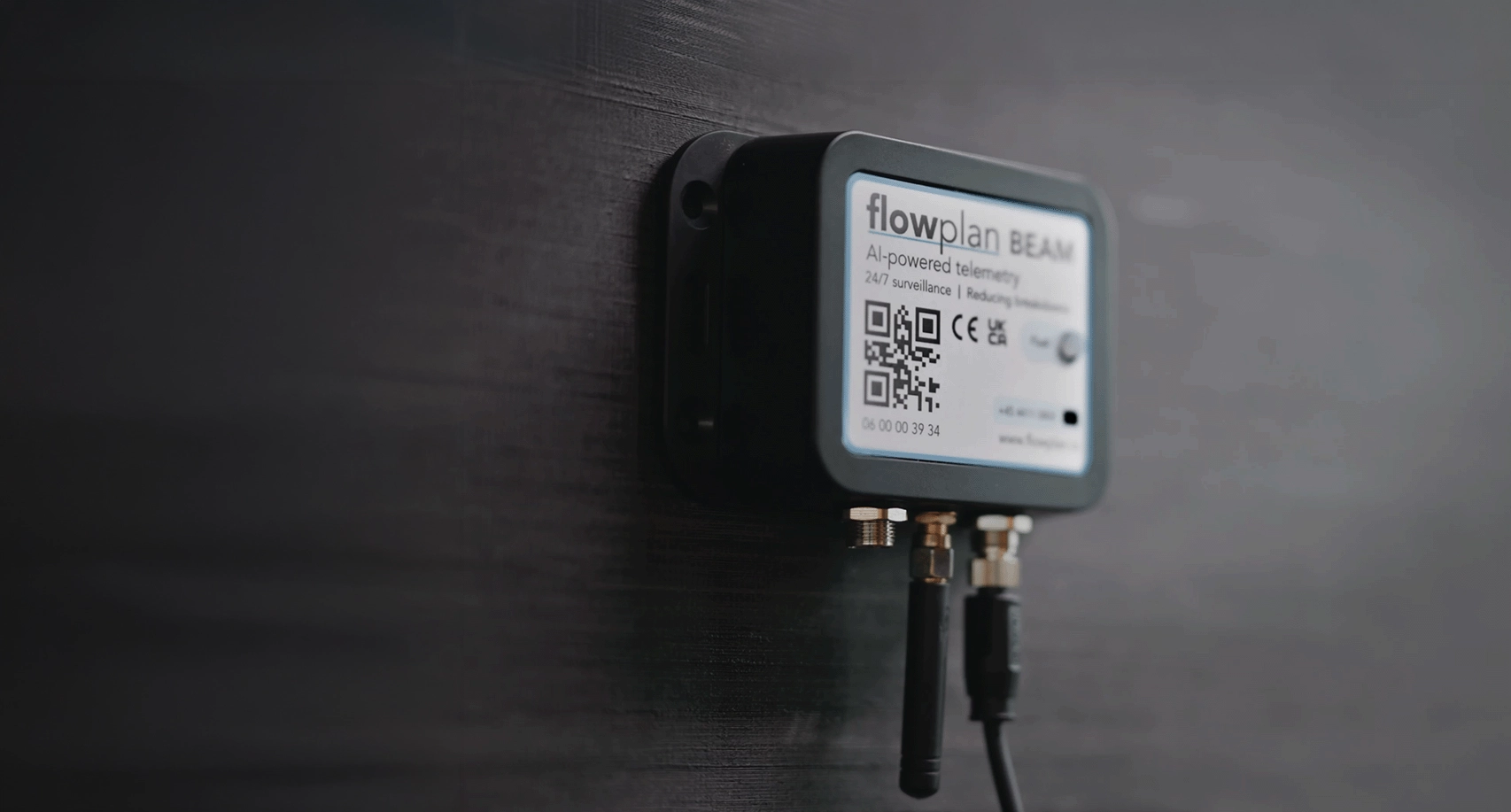
Flowplan Beam
The simplest IoT solution in the industry. Beam fits any brand, runs up to 5 years on one battery, and never touches your network.
- 01/ BatteryUp to 5 years
- 02/ RatingIP66
- 03/ Temperature0–50°C
- 04/ NetworkOff-net
Technical specifications
- Dimensions
- 110 × 70 × 28 mm
- Weight
- ~120 g
- Connectivity
- NB-IoT
- Sensors
- Room temperature built in. External: temperature.
- Temperature
- 0–50°C
- Battery
- Up to 5 years, replaceable
- Mounting
- Industrial tape or screw
- Material
- ABS
- Transmission
- Every 0–12 h, by consumption
Installation guide
Install it yourself in four steps.
From box to live data in a few minutes. No new wiring, no Wi-Fi, and no IT setup.
- 01
Install the flow meter
Mount the flow meter on the outlet of the filter head. It ships with standard 3/8" or 3/4" threads that fit directly onto most water filters.
- 02
Connect Beam and the flow meter
Insert the flow meter into the Beam electronics box. The box powers on automatically and starts joining the IoT network. The device runs on its own network with a built-in battery, so no Wi-Fi or power connection is needed.
- 03
Let it connect
After the loud beep stops, the device joins our network on its own. When you hear four short beeps, it is connected and everything is running smoothly.
- 04
That's it
The device is now connected and working as it should. Every time water is used, for example for a cup of coffee, it sends data that we receive and process in Backoffice.
Will it work on the machines we already service?
Beam takes readings from third-party meters and sensors, whatever brand fitted them. A mixed fleet does not need standardising first, and the meters already on site do not get written off. That is what makes coffee machine telemetry work across brands you did not choose.
Do we need the customer's Wi-Fi?
No. Beam runs on the mobile network, so there is nothing to ask their IT for and nothing to reconfigure when they change router.
How long does an install take?
Minutes, by one person, with no new wiring. The four steps are above.
What happens after five years?
The battery is the limit, not the unit. In practice it gets swapped on a service visit that was already booked rather than on a trip of its own.
Are batteries included?
Beam runs on a built-in battery that lasts up to five years. On the leasing plan batteries are included for the whole term, replacements too. If you buy the units outright, the battery is yours to replace when it eventually runs down.
Is it waterproof?
Beam is rated IP66: sealed against dust and against water jets from any direction, so it lives happily under a counter, behind a machine or in a wet plant room. It is not built to be submerged.
The readings land in software that ships with the Beam.
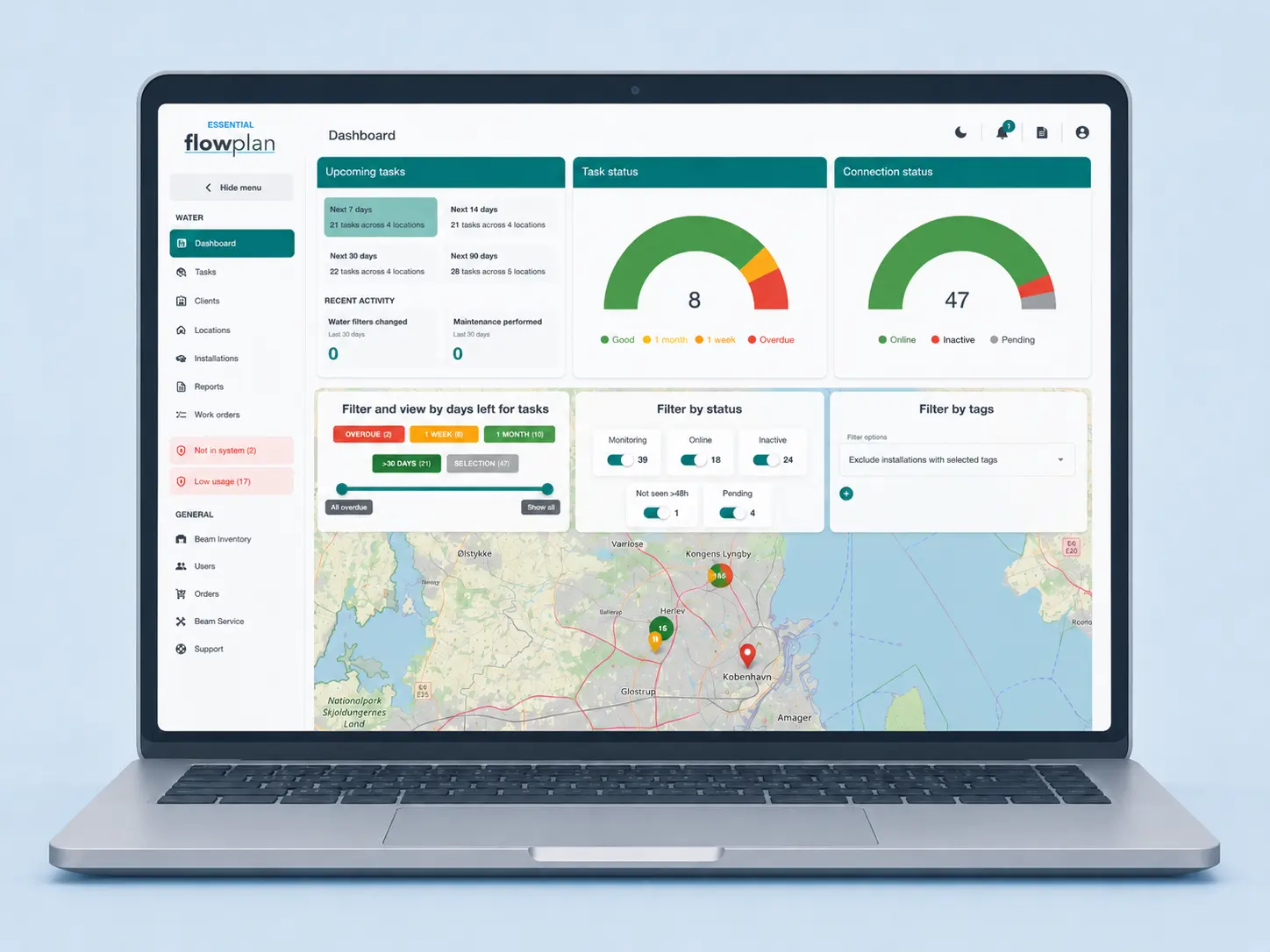
Every Beam reports into Backoffice and Field Office. The Basic tier is included; Essential and Premium add more for a small monthly fee per Beam.
See the software