Automatic usage estimation is now on by default for every installation, alongside a redesigned low usage screen, richer OnlinePOS insights and a safer filter change flow.
Automatic usage estimation
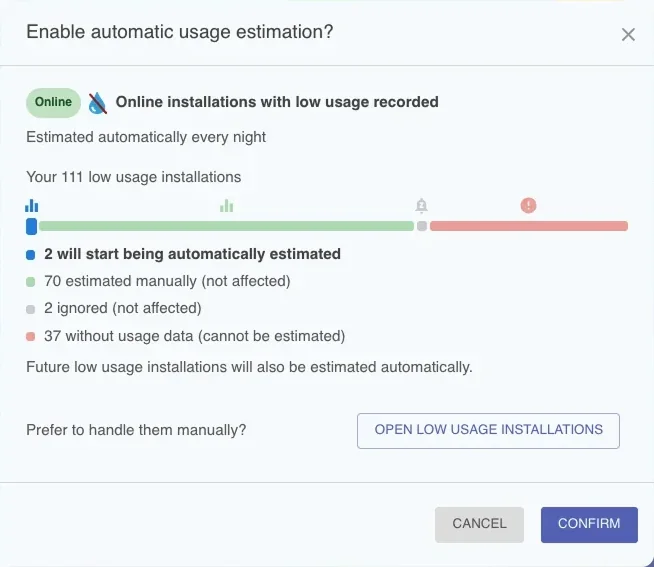
We've listened to your feedback. Until now, Flowplan only estimated usage automatically for offline installations, while low usage installations had to be activated manually, one by one. That changes today: usage estimation is now enabled by default for all installations. Whenever an installation is online, but stops sending usage data, Flowplan fills the gap with an estimate based on its consumption history, so you can always see up-to-date filter details.
Some installations will become overdue
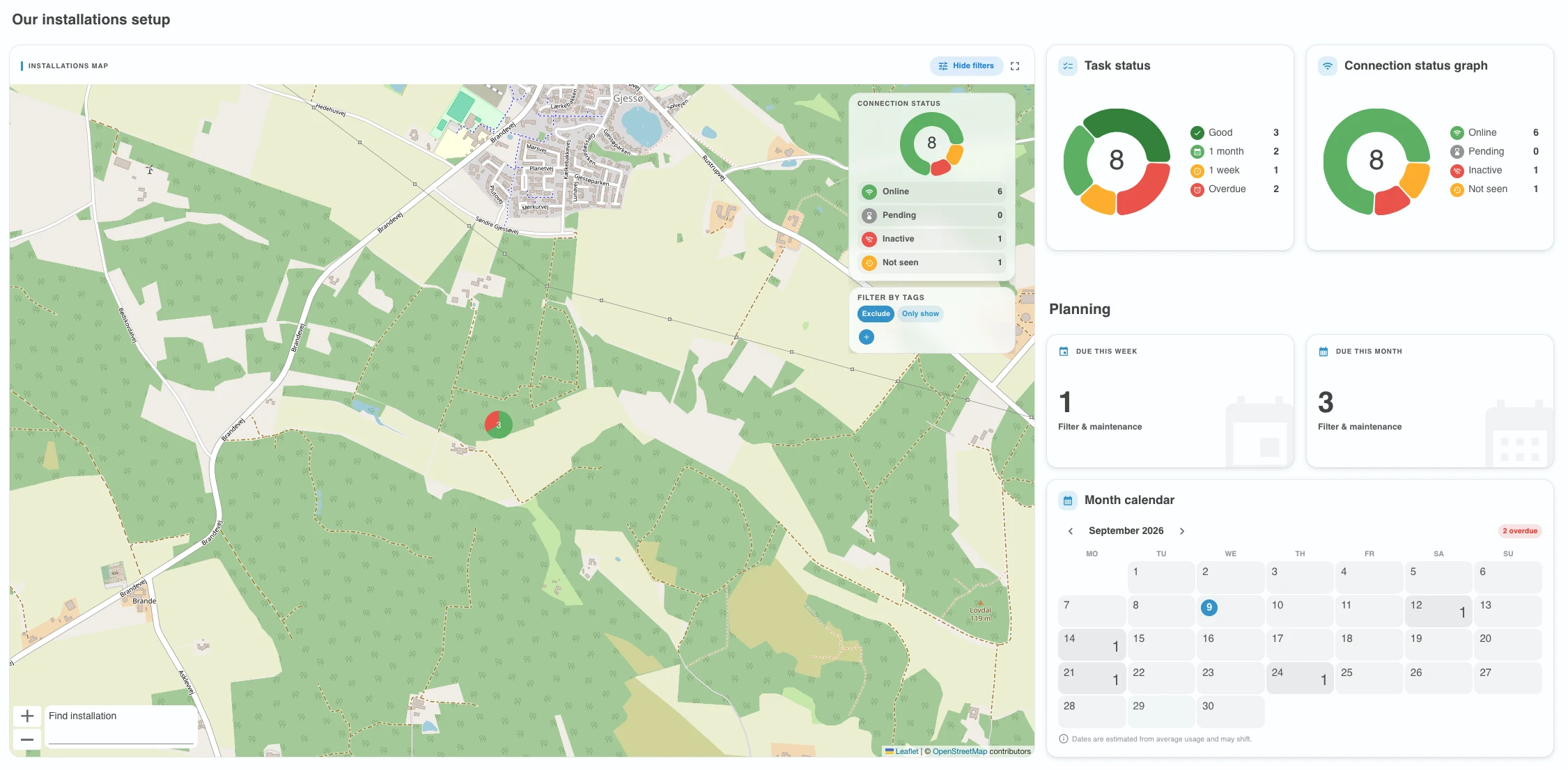
Because estimation now fills the gaps in usage data, installations that were silently standing still start counting down again. Some of them will show up as overdue for a filter change right away. That is not a new problem appearing, it is a hidden one becoming visible. It is important to verify that all filter changes are supposed to happen.
Why this matters
When usage is neither measured nor estimated, filter capacity stands still and a filter change can quietly slip past its due date, putting water quality, machines and your customers' trust at risk. With automatic estimation on, every installation keeps counting down, so a filter change can never go missing. We strongly recommend keeping it on.
You stay in control
You can disable it at any time from the company settings and approve every estimate manually from the low usage screen instead, accessible from the navigation menu. Toggling the setting shows you exactly which installations will be affected before anything changes.

A redesigned low usage screen
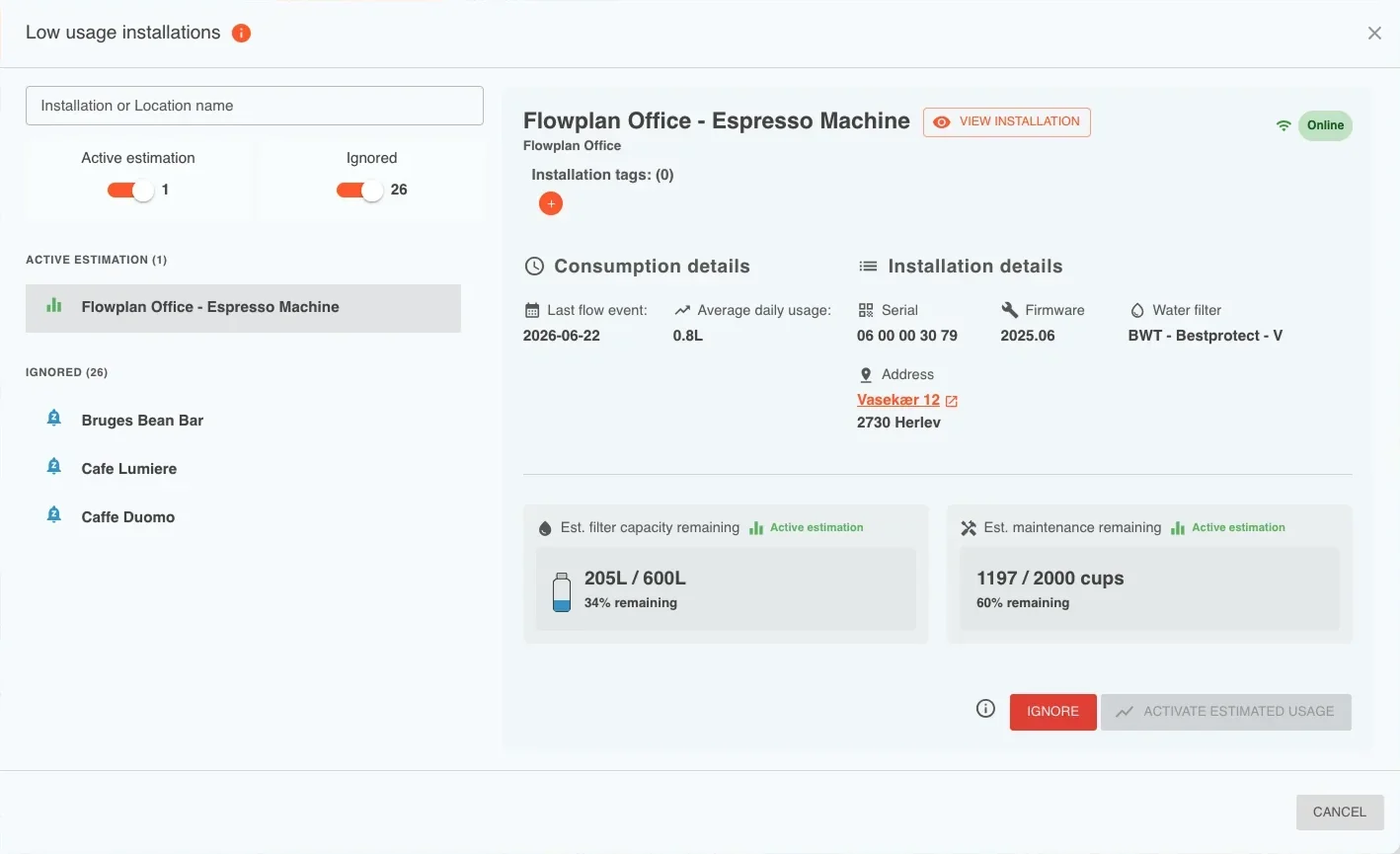
The low usage installations screen has been rebuilt from the ground up. Installations now appear in a list next to a detail view, so you can move through them one by one without losing your place. Installations with consumption history are separated from the ones without, and a switch lets you show or hide the ones with no usage yet.
Review and act in one place
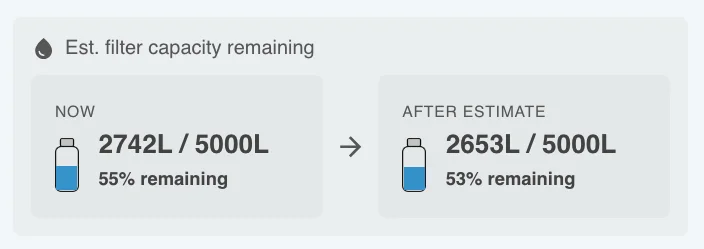
For every installation you can enable usage estimation, disable the low usage feature, or ignore the alert. Before enabling, the current usage is shown next to the usage the estimate would apply, so you know exactly what you are approving. Installations that are currently being estimated are marked with an equalizer icon.
OnlinePOS insights, round two
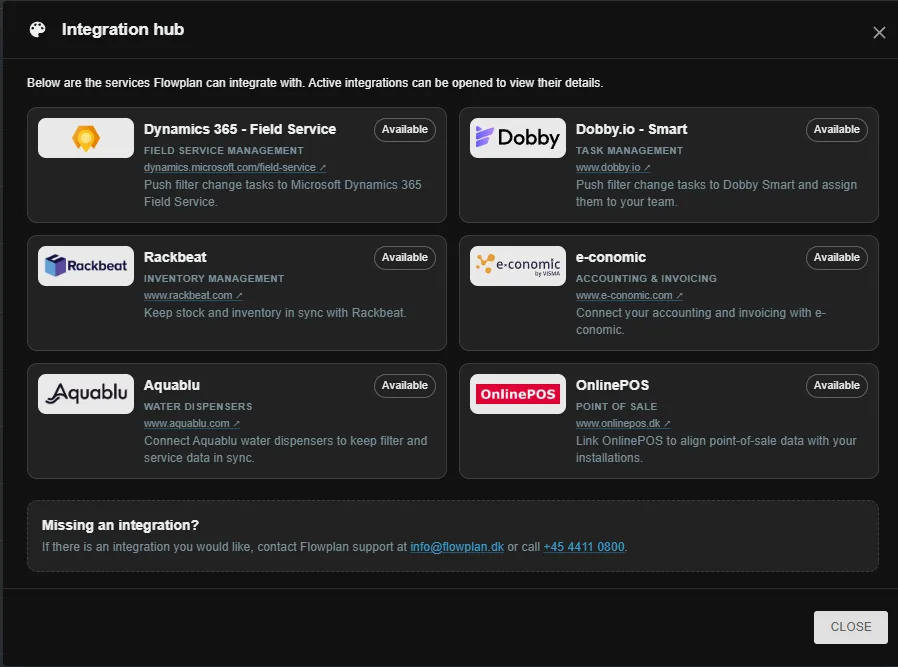
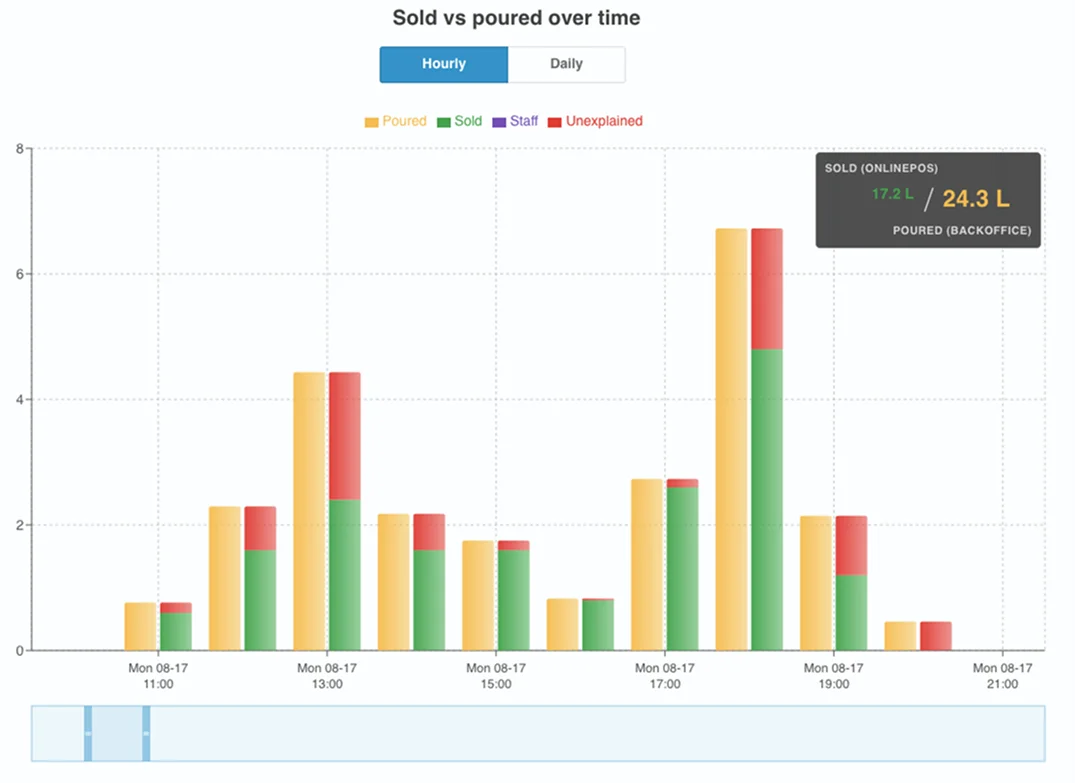
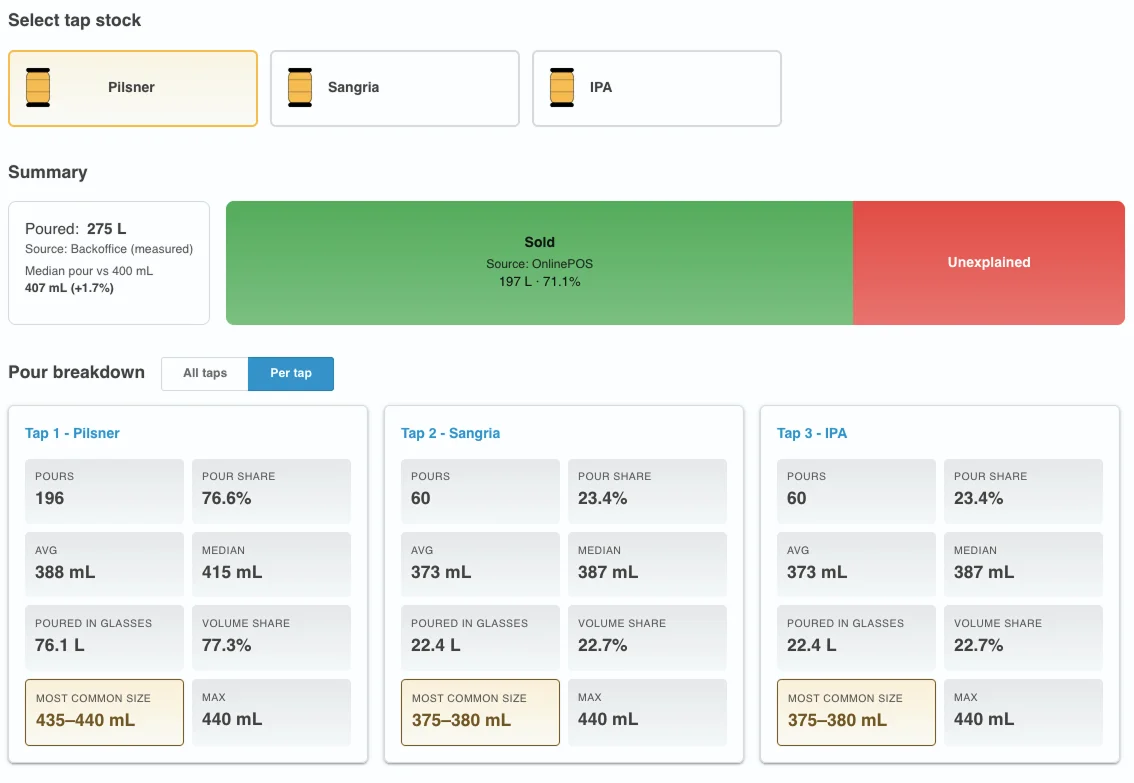
Based on your feedback since the OnlinePOS integration launched, the consumption graphs got a serious upgrade. Poured and sold data are now clearly labeled with their source, the sold column has its own color, and a consumption total legend sums up the graph at a glance.
Per tap breakdowns and pour sizes
Poured data can be viewed across all taps or per tap, taps now show their names in the graph dropdown, and the average pour size is calculated for you. The math behind splitting large flow events into individual pours has also been improved, so the pour distribution reflects reality more closely.
Filter changes that know your water
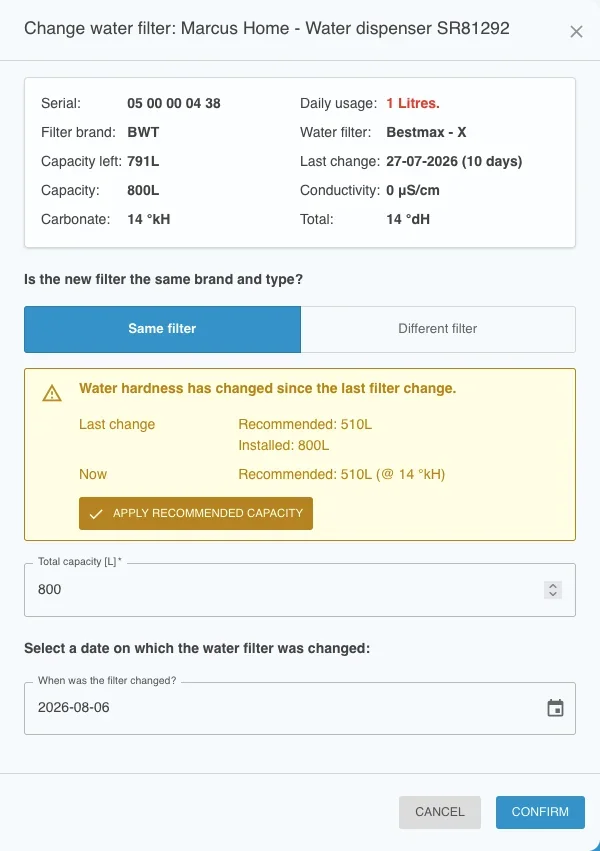
Changing a water filter now takes water hardness into account. If the hardness data has changed since the filter was installed, Flowplan warns you during the change, so capacity calculations stay correct.
Recommended capacity, one click away
When adding or editing an installation, Flowplan shows the recommended filter capacity based on your hardness data, and a button applies it in one click. The change filter flow now works the same whether you switch to the same or a different filter type, and it gives clear feedback if something goes wrong.