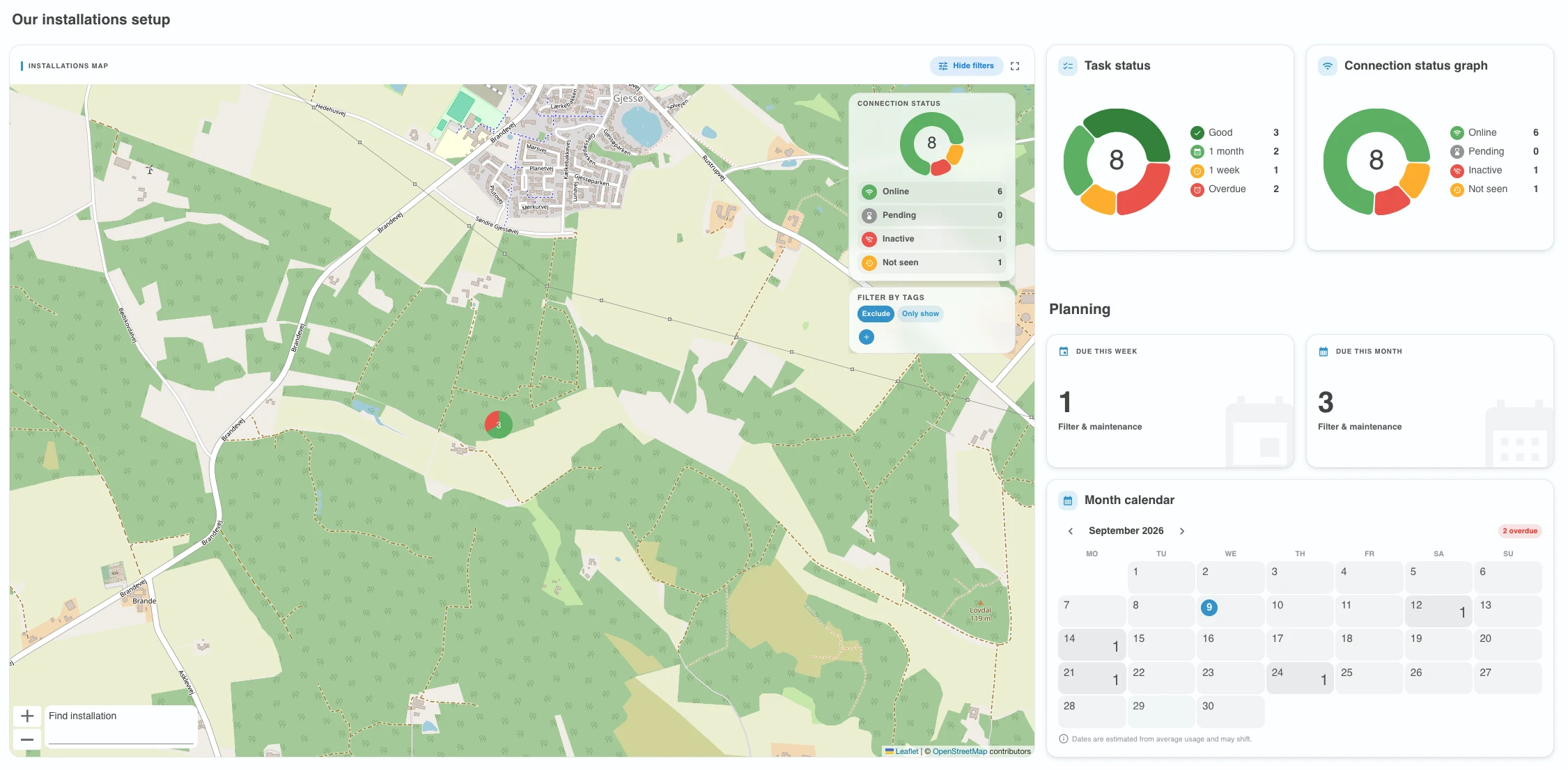
Tags is our newest feature to make planning and organizing even simpler. Tags allow you to group and filter installations across all clients and locations.
We have also added a new section, where we can show you news and highlights from Flowplan. It is not visible to guest users.
Introducing tags
With tags you can easily categorize and manage your installations with custom labels like "Ignore - bad payer", "Holiday closed," or "Very important."
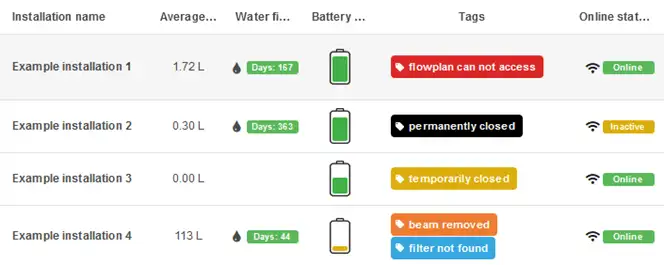
After adding tags, you can choose to either exclude or include installations with your tags on the dashboard and installation list, allowing you to ignore, prioritize and inform all the people in your team.
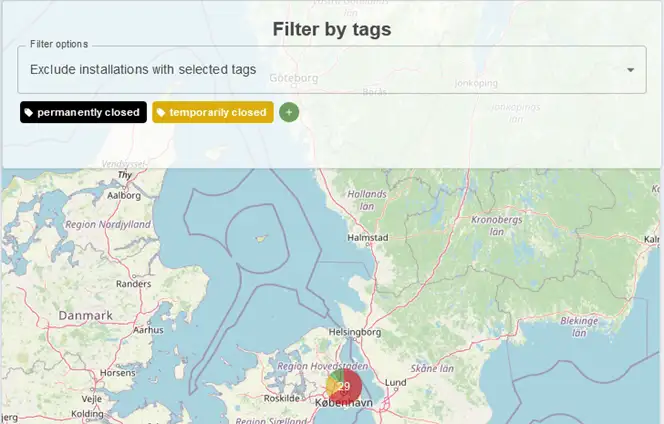
Tags are available in both Backoffice and Fieldoffice ensuring everyone is always kept up to date!
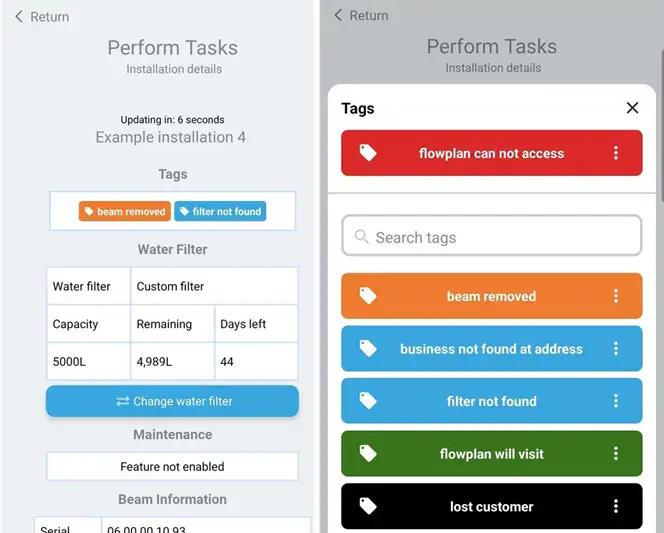
Note: Tags are visible to all users except guests.