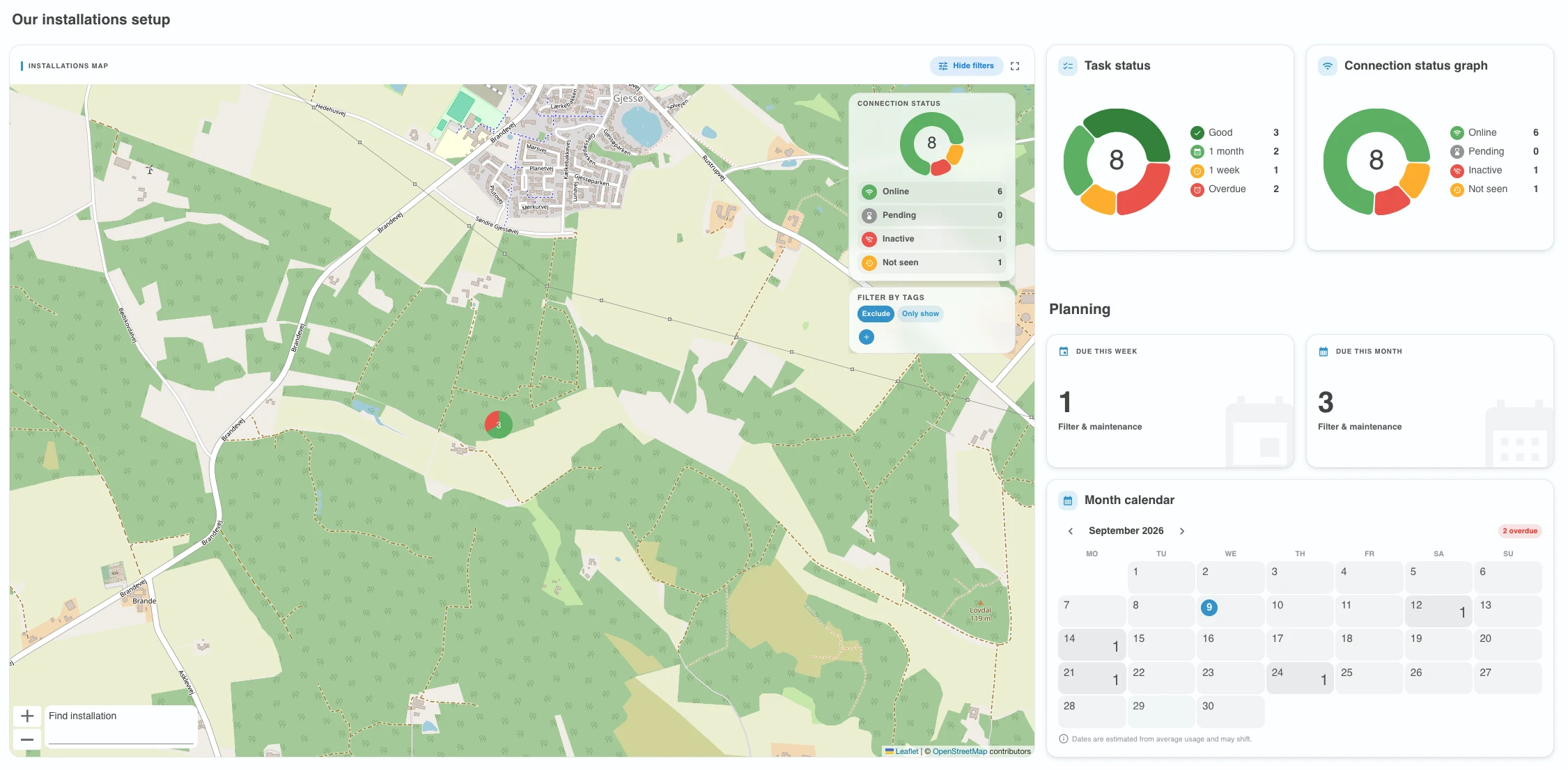
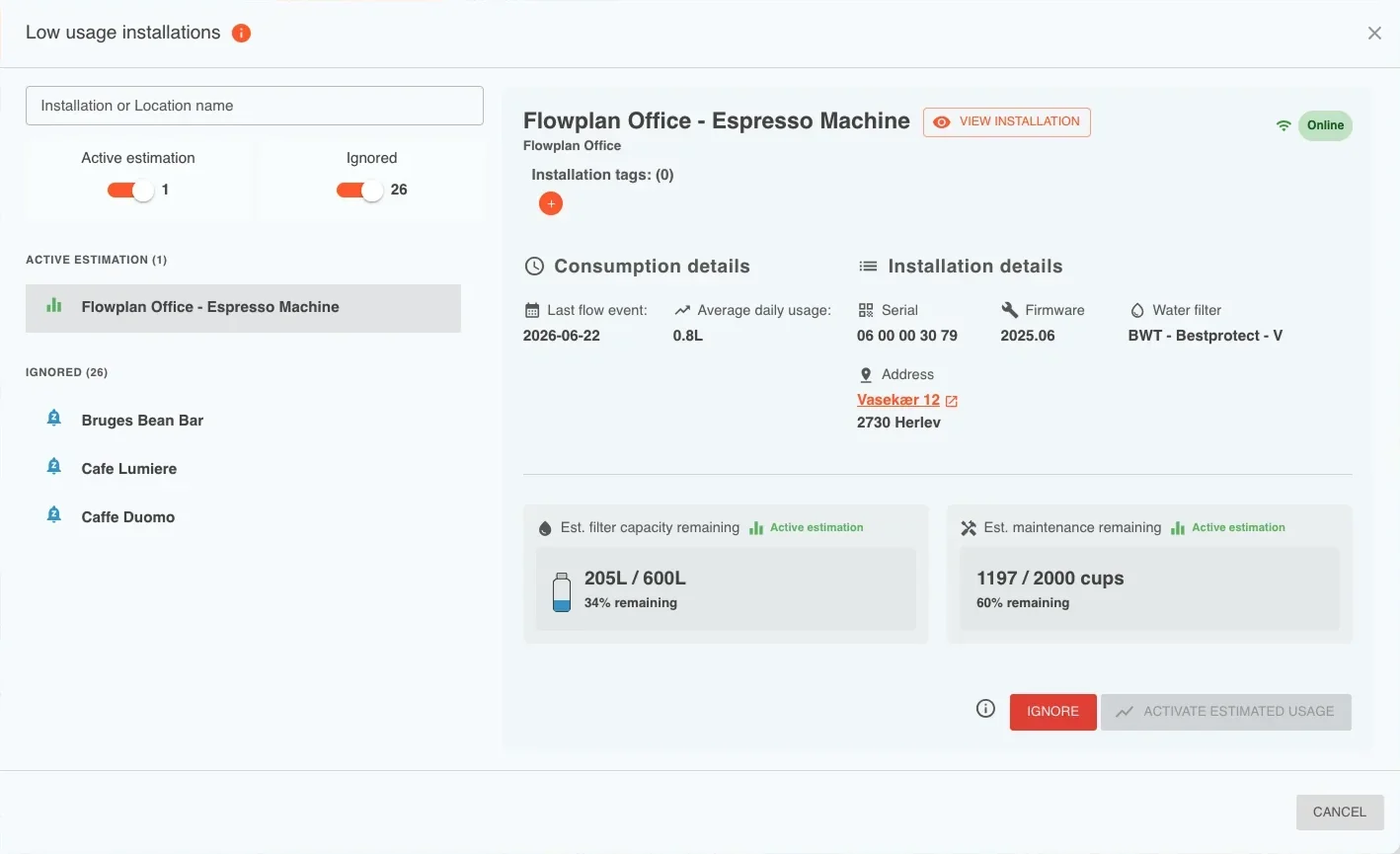
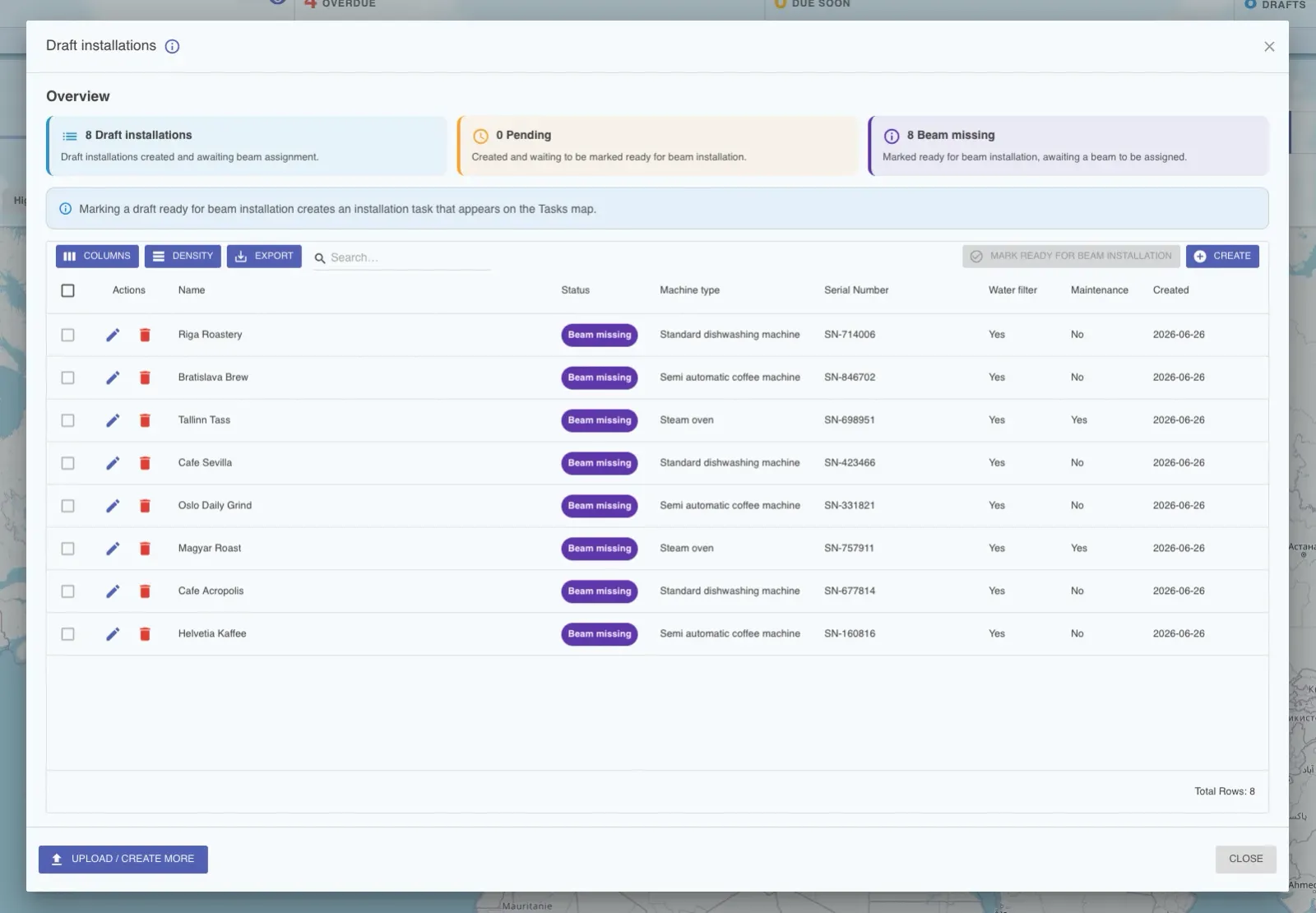
The summer is coming to a close and with that we are excited to release our August update. Recently we added batteries to our shop, so you can now order replacement batteries when needed.
We are introducing Two-Factor Authentication (2FA) to our solution. This extra layer of security helps secure accounts and your data.
This release comes with an updated user account section to provide a better overview and support the new Two-Factor authentication flow.
Finally we updated the way you browse lists in Field Office, to provide an improved experience that also performs better.
Replacement batteries!
As Beams use their batteries, they will need to be replaced.
Flowplan recommends changing the battery of Beams with the configuration status of "Good".
Flowplan does not recommend changing the battery of installations with "Update recommended" status.
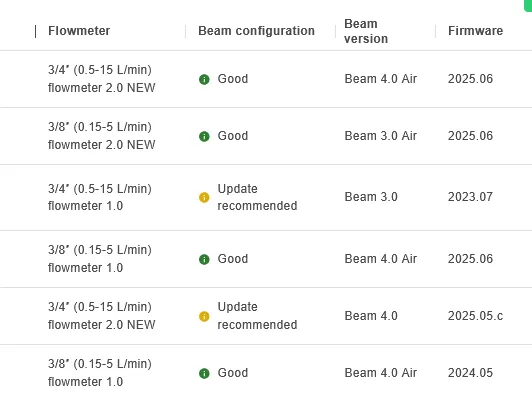
In order for us to assist you easily, we have added batteries to our ordering system, so that you can easily order replacement batteries! You can check it out by clicking on the below button!
Two-factor authentication (2FA)
The big update in this release is our brand new Two-factor authentication. In order to protect your accounts and data, we have added the option for all account types to enable two-factor authentication. This means that you will use both a password and a randomly generated code from your mobile device in order to access your account.
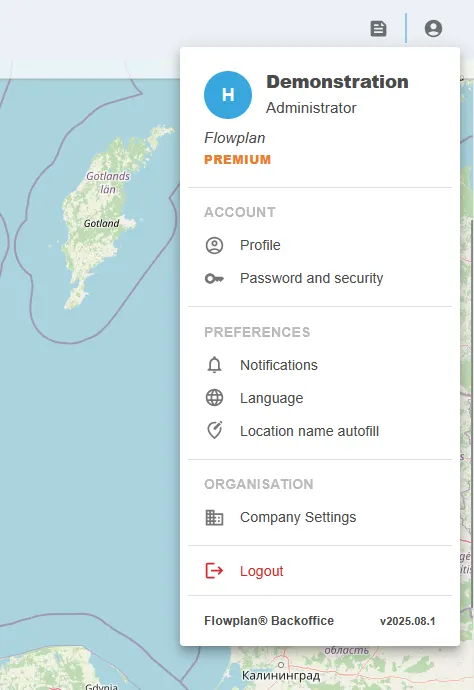
To get started, open the account menu and then click "Password and security" option. Then you will be presented with the following:
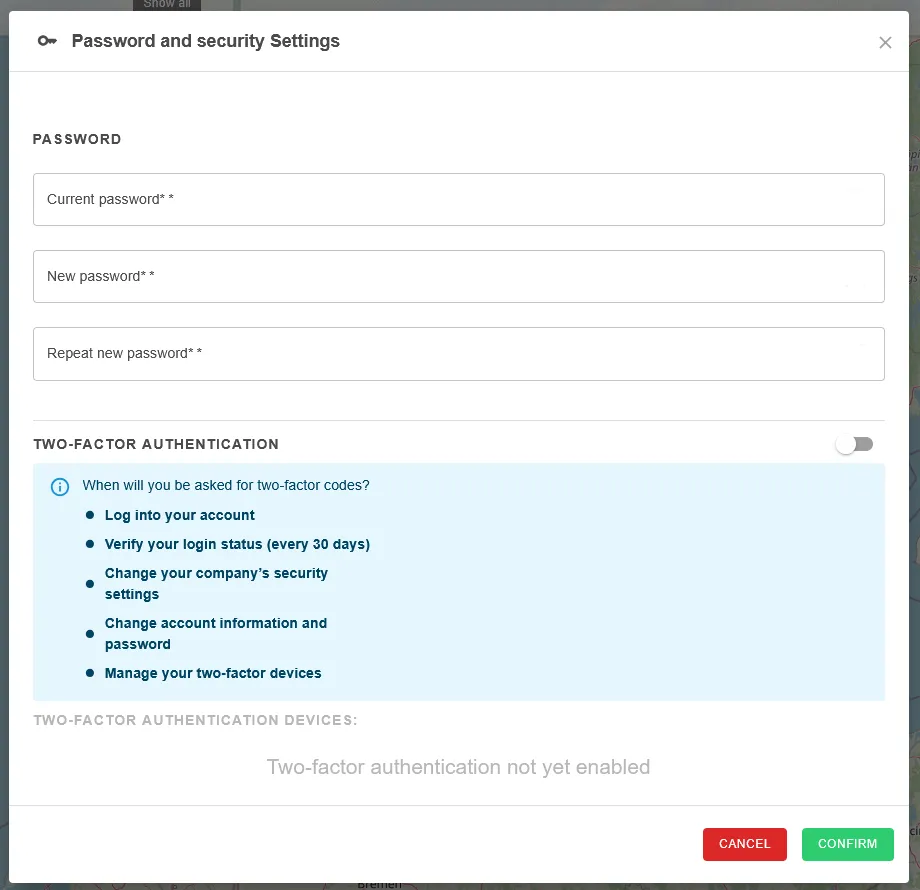
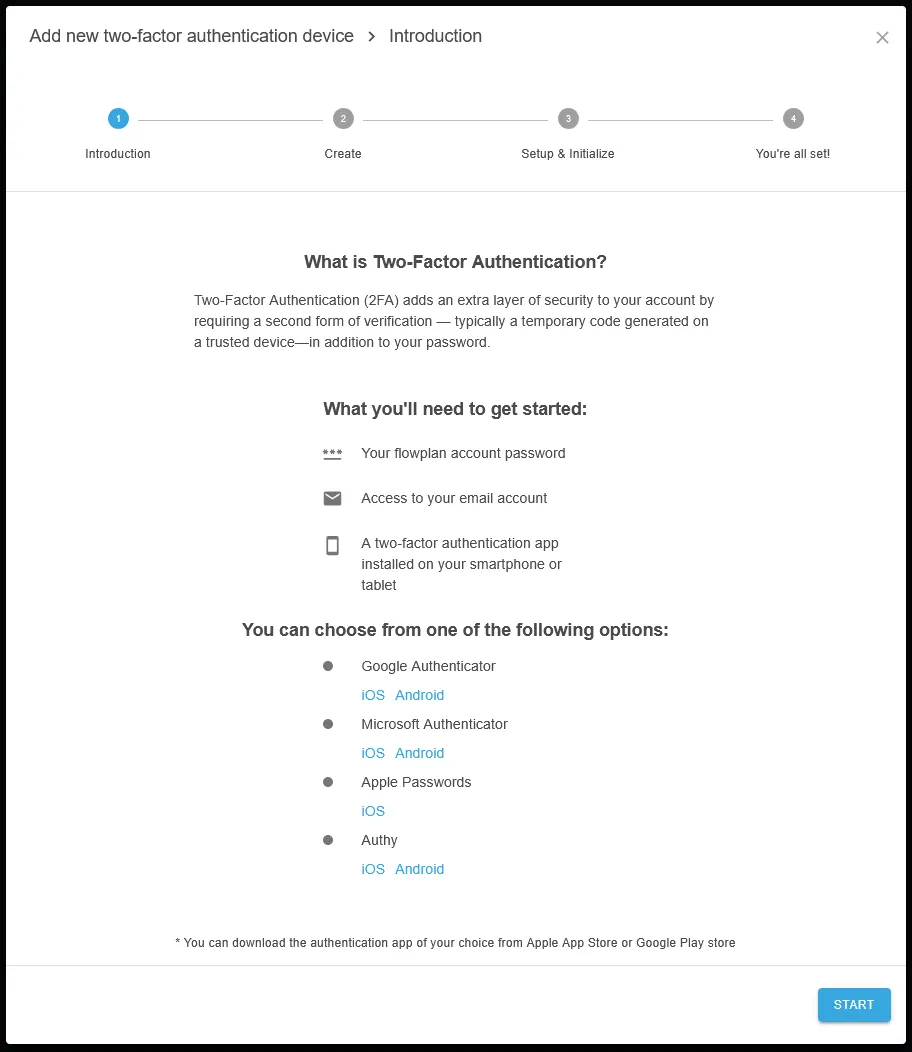
If you need any support with this feature, please reach out to us and we will help you with your questions.
Note: Administrators can also force two-factor authentication for all users in a company in a separate section. As an added security feature, we also now support being able to rotate passwords for all accounts at set intervals.
Updated account menu
We have updated the layout and information in the account menu, so that you now have a clear place to find what role you are, what company you're part of and other essential information. Furthermore you can now manage your settings, password and account information in separate windows, to make it simpler and easier to change the setting you want to change.
Other updates
- Field Office: new lists, which should be faster and easier to navigate.
- Field Office: bug fixes and improvements to sizing compared to different mobile screen sizes.
- Beam inventory: columns can now be toggled in the same way as installation list.
- Support page: new layout added for larger screens. Improving readability and user experience.
- Backoffice: when an installation has a different capacity than the recommended calculated capacity, we now properly show a warning when changing filters.