Make Flowplan your own and bring Field Office to your whole team, in their language.
Here's what's new. Scroll down for more details.
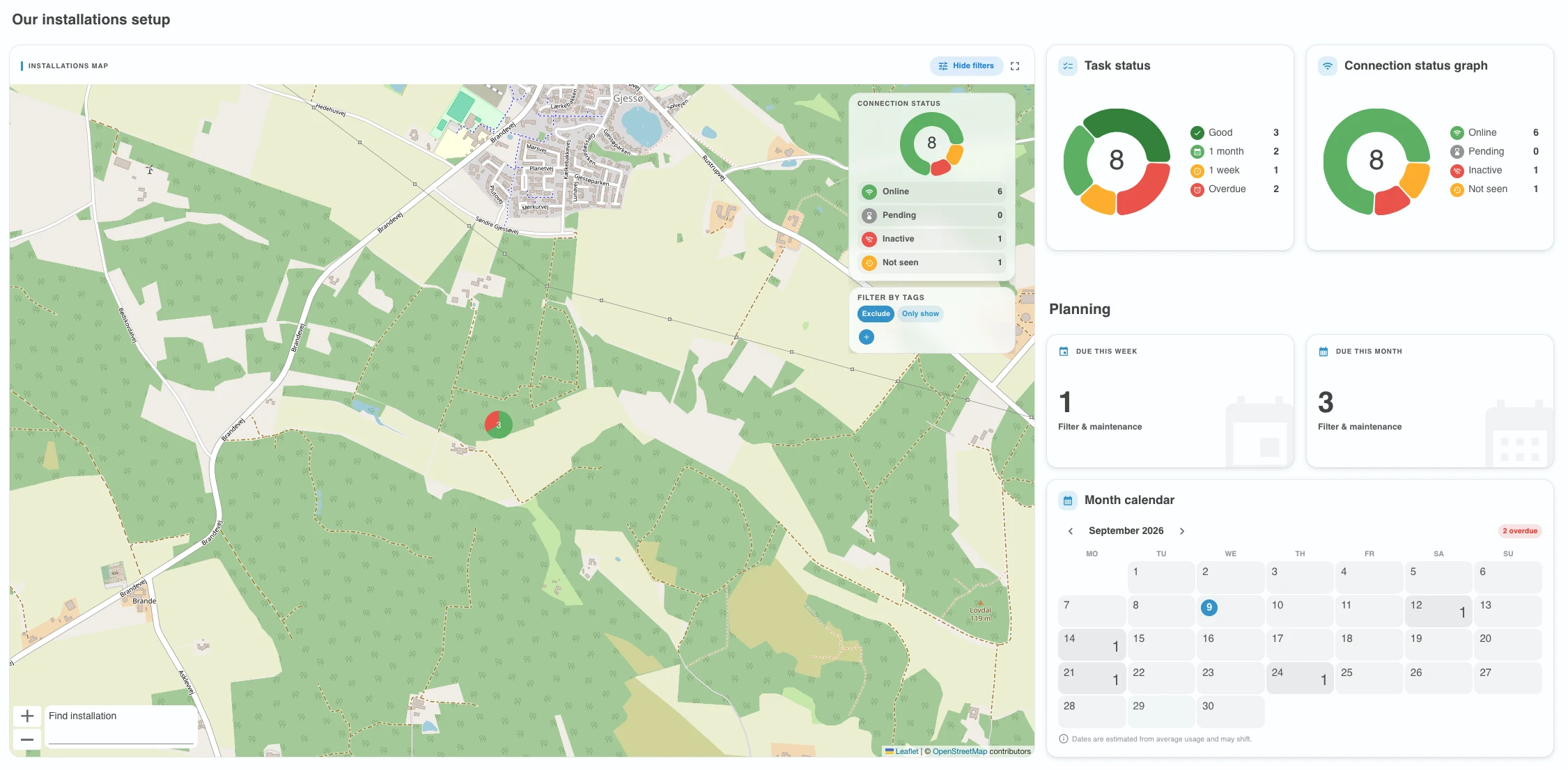
- Dark mode arrives: Switch between light and dark themes. Easier on the eyes during long days.
- Pick your accent color: Personalize Backoffice with one of several accent colors, from your profile.
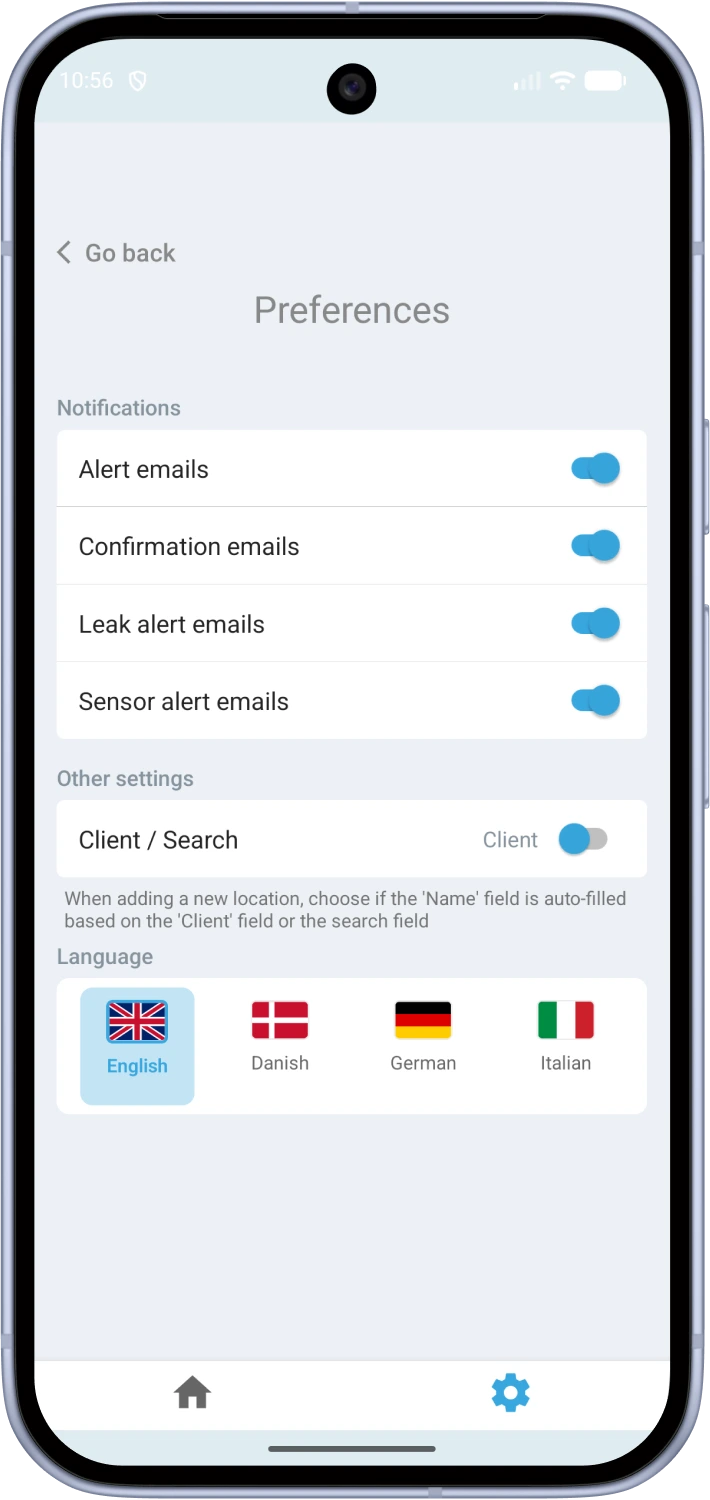
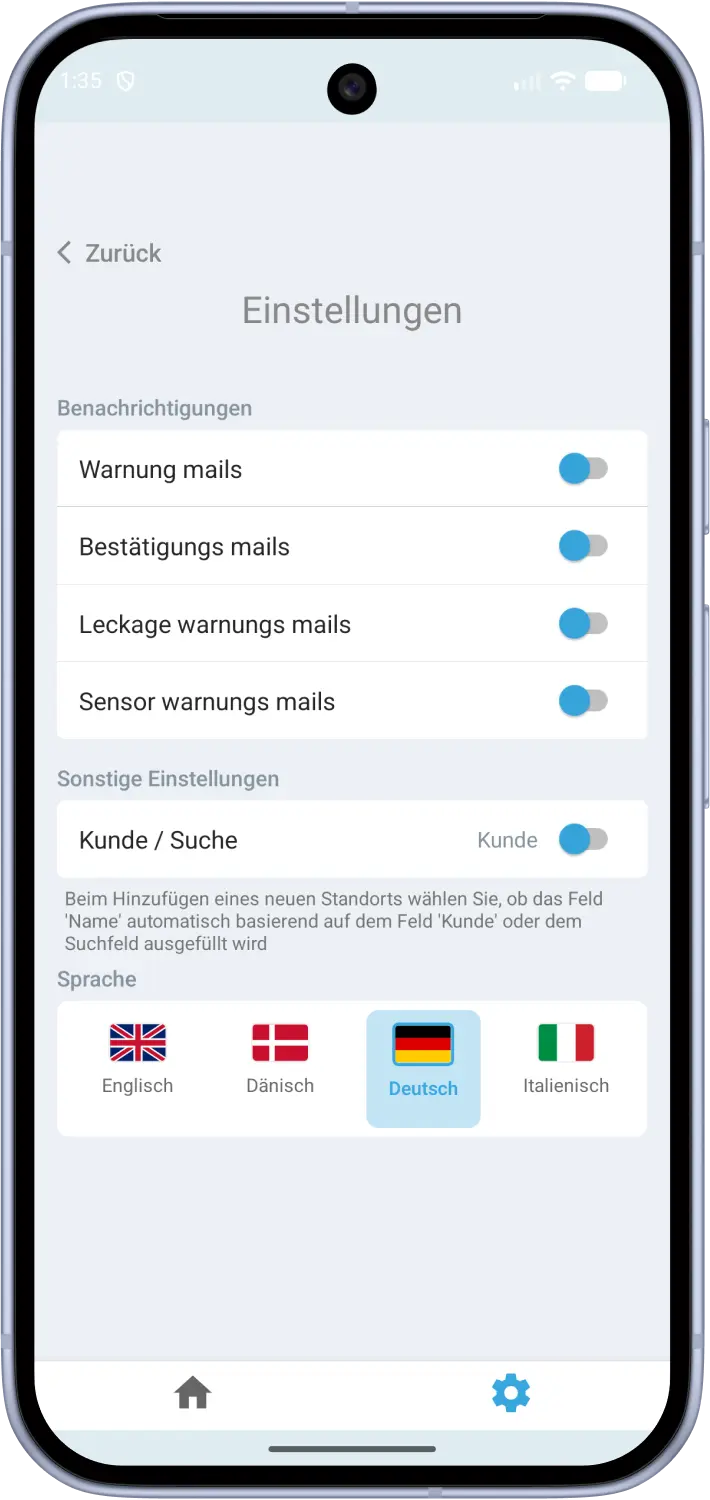
- Field Office in 4 languages: Danish, German, English and Italian. Pick the one your team works in.
Dark mode
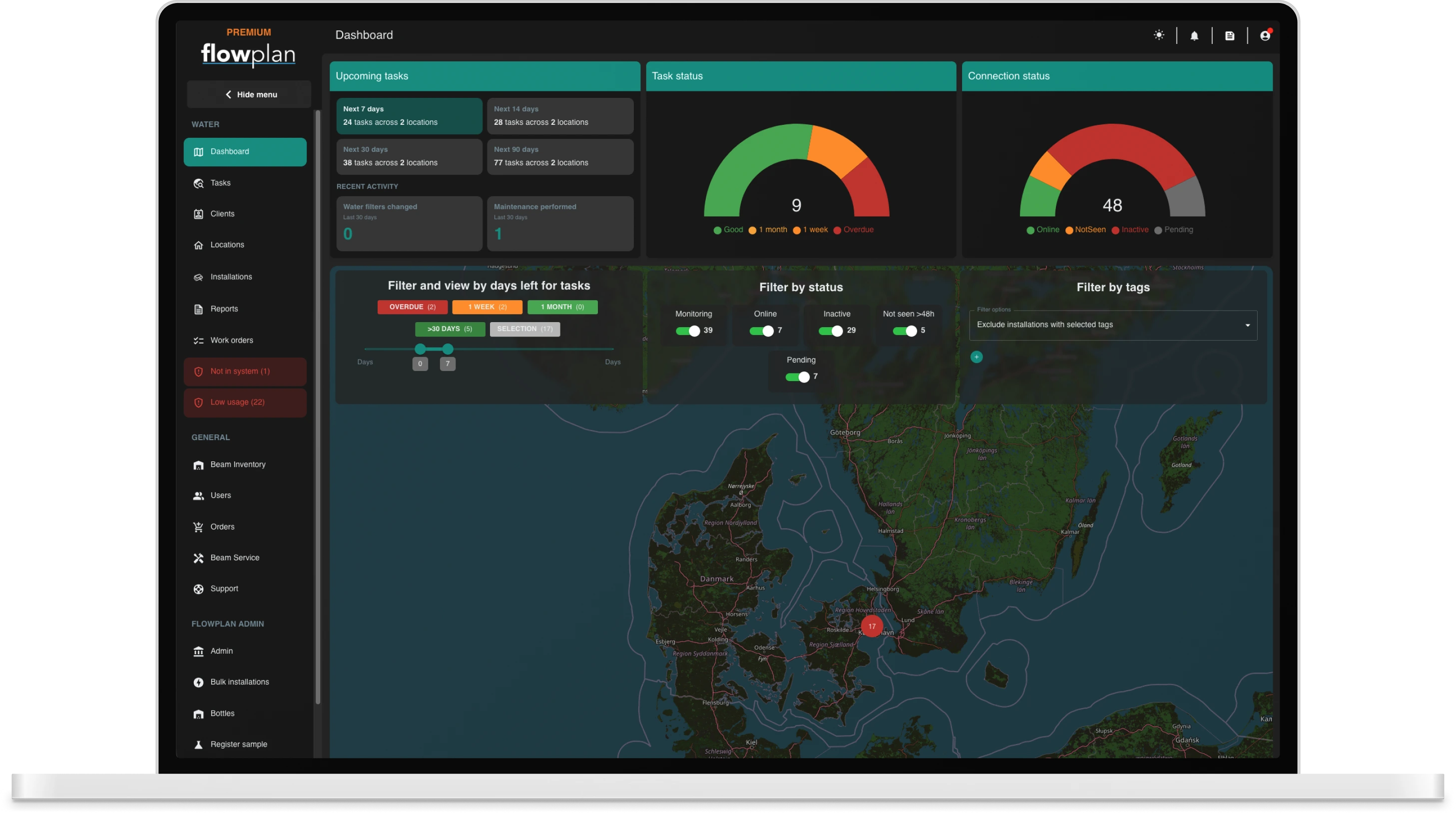
Backoffice now ships with a fully designed dark theme. Every page, chart, dialog and form has been tuned for low-light environments, so you can keep working comfortably whether you're on the road, on-site, or late at the office.
How to enable it
The toggle lives inside of the top navigation bar, near the notification center. Your choice is saved and will follow you on every device you sign in to.


Personalized accent colors
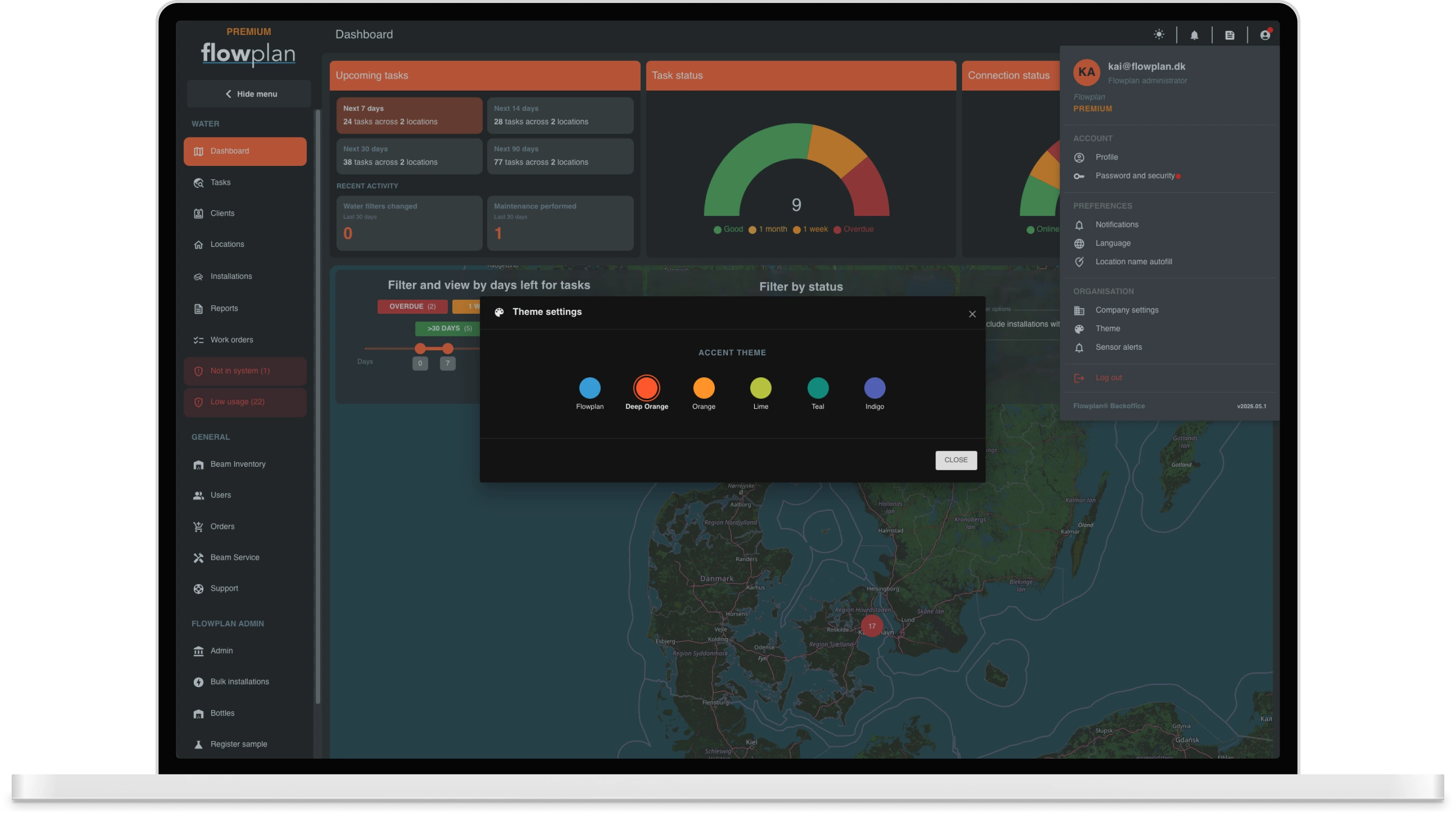
Beyond light and dark, if you're a company administrator you can now pick the accent color used across buttons, links and highlights. Choose what fits your style or your team's brand.
Where to find it
The accent color picker lives under the company settings inside of the account menu. Pick one and the whole app updates instantly. Like dark mode, your selection is remembered across devices.
Field Office now speaks 4 languages
The Field Office mobile app has been fully localized. Technicians can use the app in the language they work in, no more translating menus and labels in their head.
Supported languages
Danish, German, English and Italian. The app picks up the language set on the device by default, and each user can override it from the in-app settings whenever they want.