We are very happy to release the change flowmeter functionality. There are several improvements we have made in order to bring this feature to you. Read on to find out:
Updated flowmeter selection view!
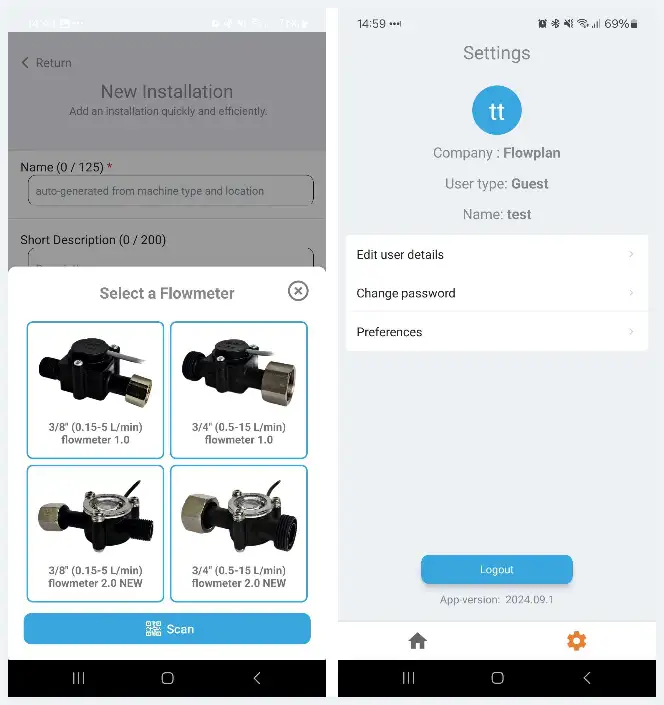
We wanted to provide a better experience on all screen sizes, so the new selection view always shows the text and it highlights which flowmeter you have selected with a visual view.
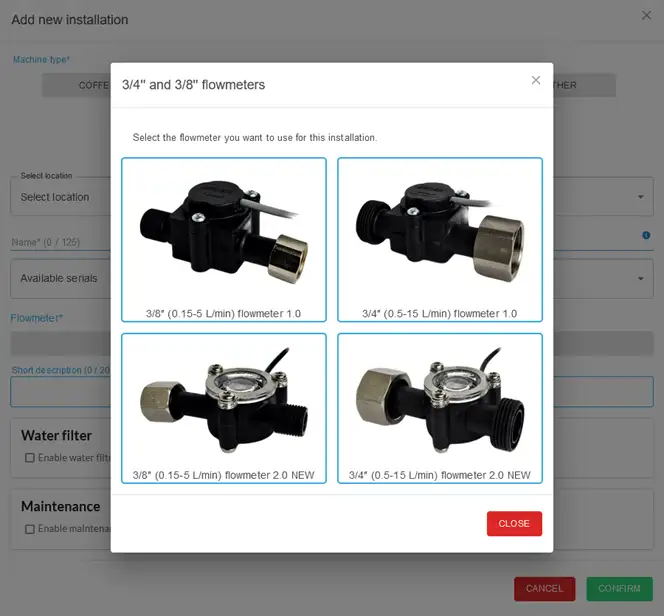
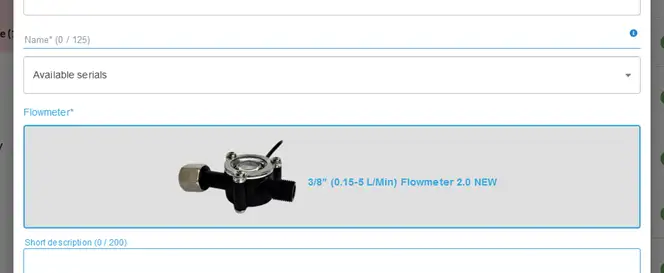
We have made an update to the flowmeter selection preview. For Web you can now see the image of the selected flowmeter.
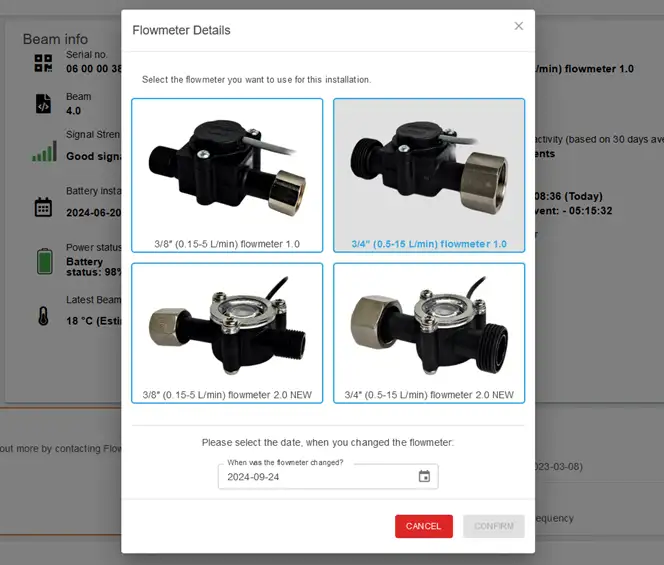
Changing flowmeter on an existing installation.
When you want to change a flowmeter for an existing installation, you can now see which flowmeter is currently installed. You can select a new one and at what date you installed the new flowmeter.
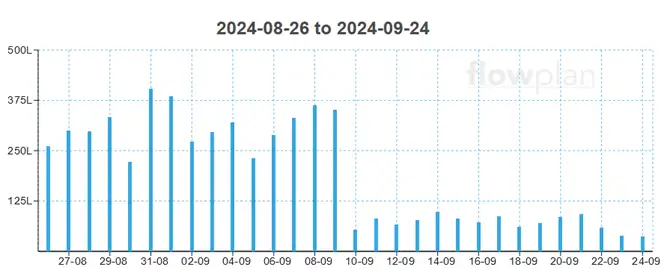
We now remember what the old usage was.
When we changed a flowmeter previously, we would lose how much consumption was at the location before. In this update, we have updated our logic, so that the history is preserved correctly.
Updated access to user settings and profile.
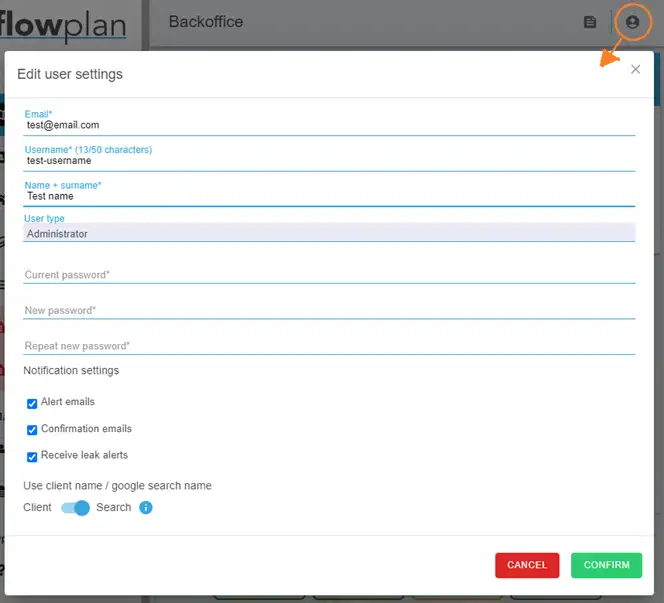
We have added a new profile button in the top right corner, where you can access your user profile and change settings. In this new section we have added a new option to control if you want to use the client name when adding locations or the search result from Google. The default value is the search result.
Field Office has also been updated with the above changes.
We have also updated our Field Office app, look for app version: 2024.09.1.